Step by Step guide
1). First, download and install app, it work with win10 version Bookshelf, download at Here

2). Run Bookshelf App, login and open book
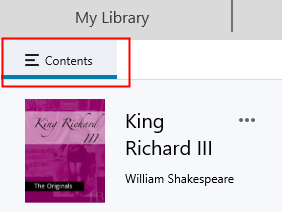
Click “Contents” button on left toolbar to hide contents panel.
Resize Bookshelf window height as windows desktop height, it looks like this image,
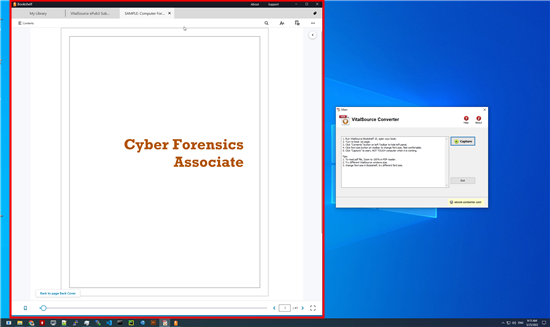
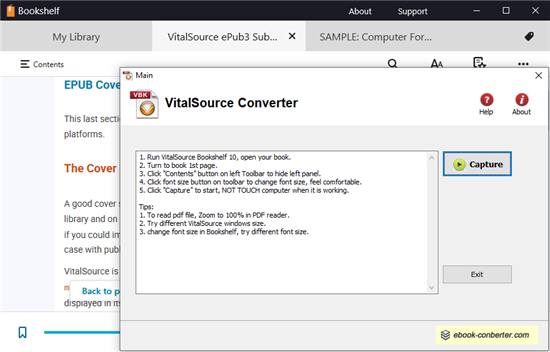
3). After setup Bookshelf window, run VitalSource Converter, click “Capture” button to start conversion, it will go through all pages and create a new PDF file.
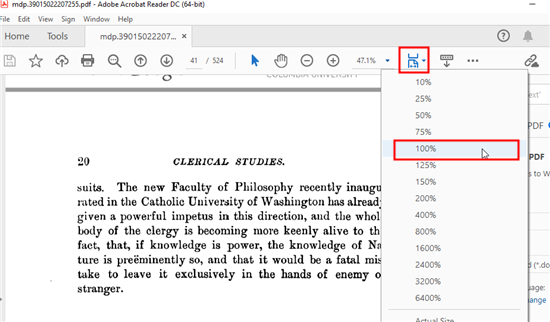
4). Open new pdf file in pdf reader, zoom view to "Fit One Full Page",
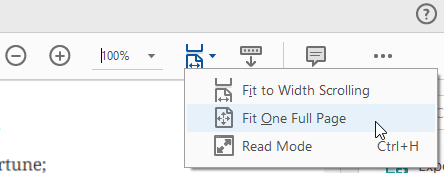
or “100%” to get better result.