How to convert Mobipocket ebook to PDF
 Updated : April 27th, 2012
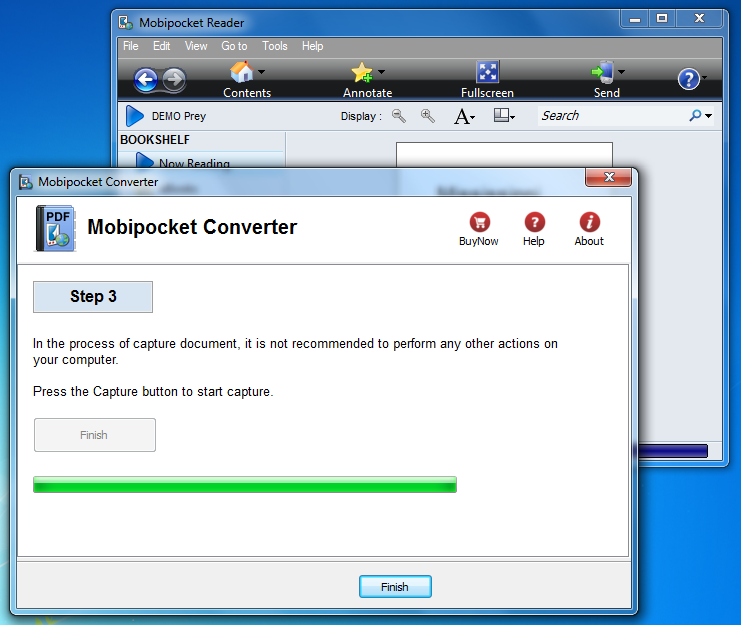
1. Run Mobipocket Reader, Open your book , go to first page
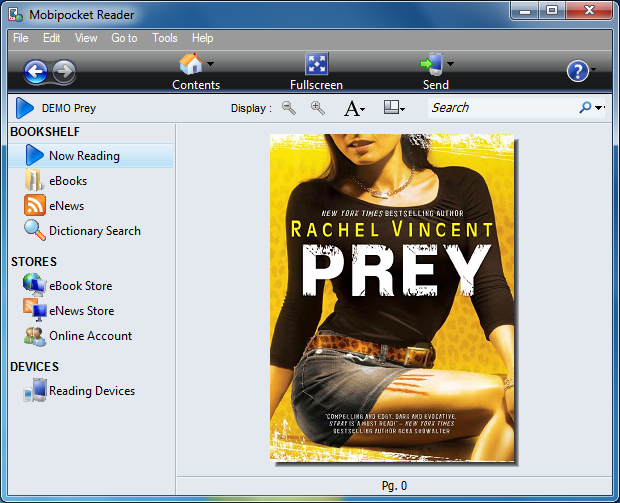
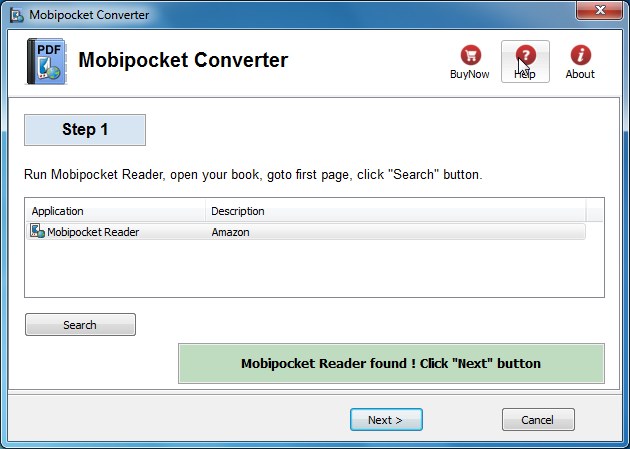
2. Run Mobipocket Converter, Click “Next” button
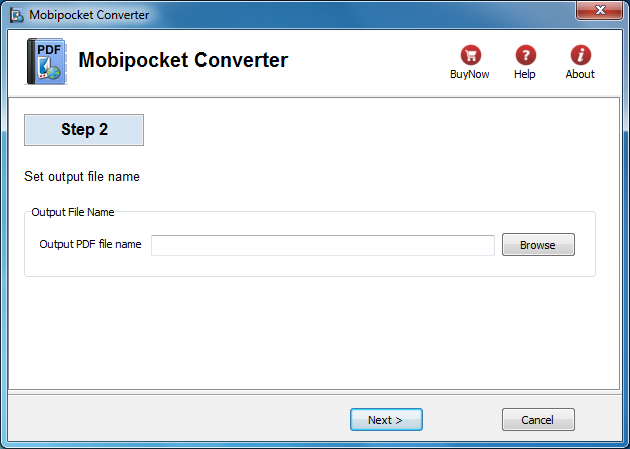
3. Set PDF file name
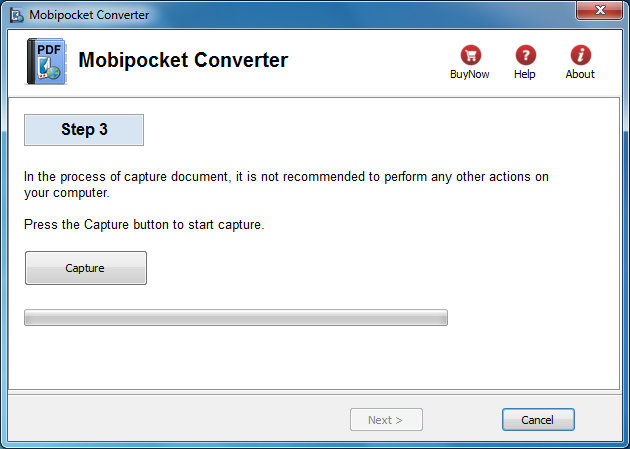
4. Click “Capture” button to converter, do NOT perform any other actions on your computer
5. Conversion finish
How to read Kindle ebook on Kobo?
You maybe are looking a way to read amazon Kindle ebook on Kobo ereader, it isn’t easy because all ereader don’t support Kindle DRM protection, this is tutorial that how to read Kindle book on Kobo reader.
Difficulty Level: Easy
What You Need:
- Kindle DRM Removal : application that download from ebook converter
- A Winndows PC or Mac
- Calibre that download here
- A Kobo reader device , or some sort of portable device that accepts ePub format
1). Install and run Kindle DRM Removal to remove drm protection from kindle books, it is easy to use, just click “remove” button, a new azw file will created without DRM.
 Download for Windows
 Download for Mac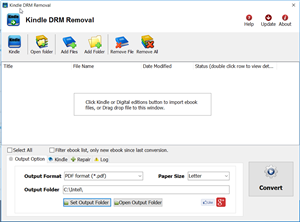
2). Add new .azw file to Calibre, just drag azw file into Calibre, then convert azw format to epub format that support by moset e-reader device, include Sony e-reader. detail look How to convert Kindle AZW to EPUB/PDF/RTF/TXT format?
3) Once you got .epub file, upload to Kobo e-reader, enjoy reading.
Kobo
The Kobo eReader is a Canadian-based e-book reader. The original version was released in July 2010 and was marketed as a minimalistic alternative to the more expensive e-book readers available at the time. There are apps available for BlackBerry, iPhone, Android, and palm pre.
It is currently sold at Indigo/Chapters, Wal-Mart, Best Buy Canada, and Future Shop in Canada, Whitcoulls in New Zealand, Angus and Robertson and Borders in Australia,and at Borders and Wal-Mart in the United States. Fifty-eight percent of the Toronto-based company is currently owned by Indigo Books & Music Like most e-book readers the Kobo uses an electronic ink screen.
How to remove DRM from PDB ereader.com?
You bought ebook on ereader.com, you want to read those ebook on iPad or Kindle, but you can’t do that directly, because those ebook has DRM protection, this is turorial about How to remove DRM from ebook ereader.com.
ebook on ereader.com has PDB format, you need download and install PDB DRM removal at here, it has windows and Mac version, PDB DRM Removal is easy to use, it remove PDB drm protection with 1-click without quality loss.
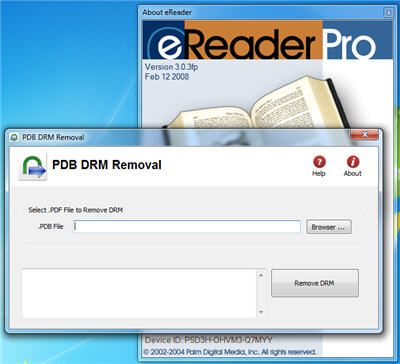
1. Download and install PDB DRM Removal on ebook-converter.com, you can install it as normal app.
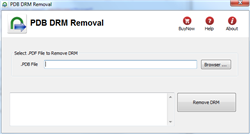
2. Run PDB DRM Removal, select PDB file on Hard drive,PDB ebook normally locate at “PDM” in “My Document”, click “Remove” button.
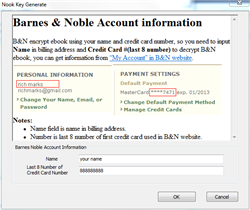
3. A window popup to input name and credit card number, it is same as you read ebook on eReader app, if anything is correct, DRM protect will be removed, DRM will be removed and produce a new .pmlz file .
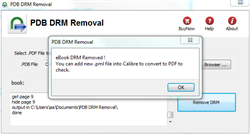
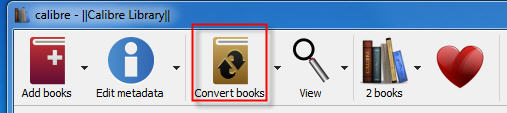
4. to read new ebook in iPAD, you convert .pmlz file to Mobi format using Calibre, here is tutorial.
PDB ebook & eReader.com
.pdb is Palm Media ebook format, read in eReader that is a freeware program for viewing Palm Digital Media electronic books, Versions are available for iPhone, PalmOS, WebOS, Android, Symbian, BlackBerry. ereader.com maintains a wide selection of eReader-formatted e-books, available for purchase and download, with a handful of public domain titles available for free. Those books that aren’t free are encrypted, with the key being the purchaser’s full name and credit card number. This information is not preserved in the e-book. A one-way hash is used, so there is no risk of the user’s information being extracted.